Touch Typing: A Calm Way to Learn
Touch typing means typing without looking at the keys, using all ten fingers. It feels slower at first and becomes much faster, with less strain, within a few weeks of practice.
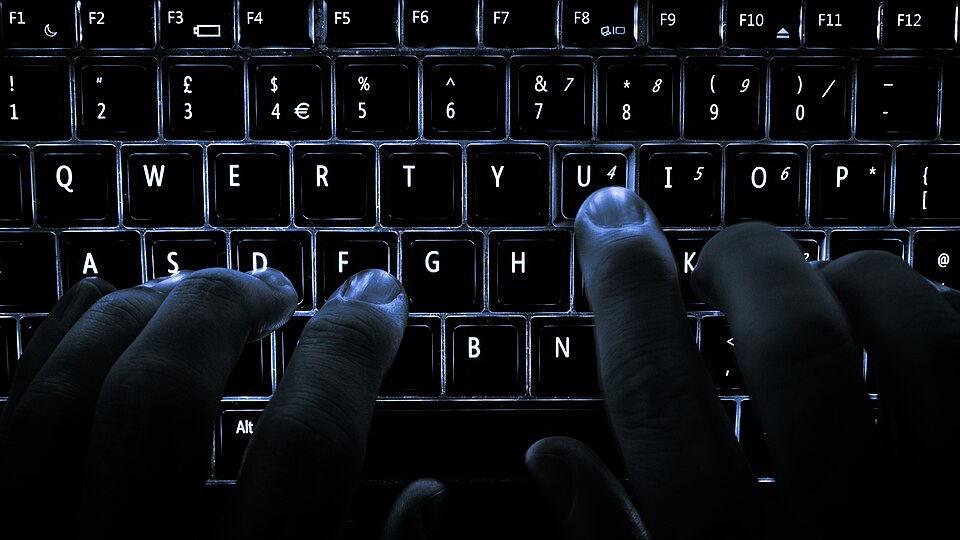
- Home row first
- Accuracy before speed
Home row first
Start with the home row, where your fingers rest. Learn the position of each key by touch, in short sessions, before worrying about speed at all.
Accuracy before speed is the whole method. Fast, error-filled typing trains mistakes. Slow, correct typing builds the map your fingers will later use automatically.
Accuracy before speed
Ten focused minutes a day beats an occasional hour. Use any simple typing tutor, and cover the keyboard or look at the screen only.
Muscle memory
Touch typing relies on procedural memory: finger movements become automatic through accurate repetition. That is why early accuracy matters — whatever you repeat, right or wrong, is what gets automated.